
How to give free classes to a member in RoninBox
To give free classes to a member, open their profile and tap Gift classes in Plan and class passes. There are also other ways depending on what they need: at sign-up, within a month or for a specific class. Admins and coaches can use them; the used class keeps a record of who gave it.
With the Give classes button
Section titled “With the Give classes button”It works whether or not the member has a plan. It doesn’t move money or change their contract.
- In Plan and class passes, tap Gift classes.
- Enter the Classes you're gifting.
- In Valid until, choose the last day they can use them. The default is the end of the month.
- In Activity, leave Any activity or limit them to one activity.
- If you want, write a Note: it stays in the member’s history.
- Tap Gift.
Gifts with unused classes appear in the Gifted classes list, with how many are left, until when and who gave them. Tap Cancel and enter the reason to cancel a gift: unbooked classes stop being valid and classes already booked are kept.
At a mid-month sign-up
Section titled “At a mid-month sign-up”In a box that bills by calendar month, the sign-up lets the plan start on the following 1st without charging for the days before and add free classes for those days. Check Free classes until the end of the month and the reason before saving.
The contract history keeps the choice and who made it. Classes used before the plan starts appear in Workouts, under This month's classes with no class pass when they don’t belong to any period. Follow Mid-month sign-up to see the options and check the balance of future periods.
Add free classes to a month
Section titled “Add free classes to a month”- In Plan and class passes, find the month and tap Add line.
- Write a Description that explains the gift.
- Enter
0in Amount (€) and the number of classes you’re giving in Extra classes. - Confirm with Add.
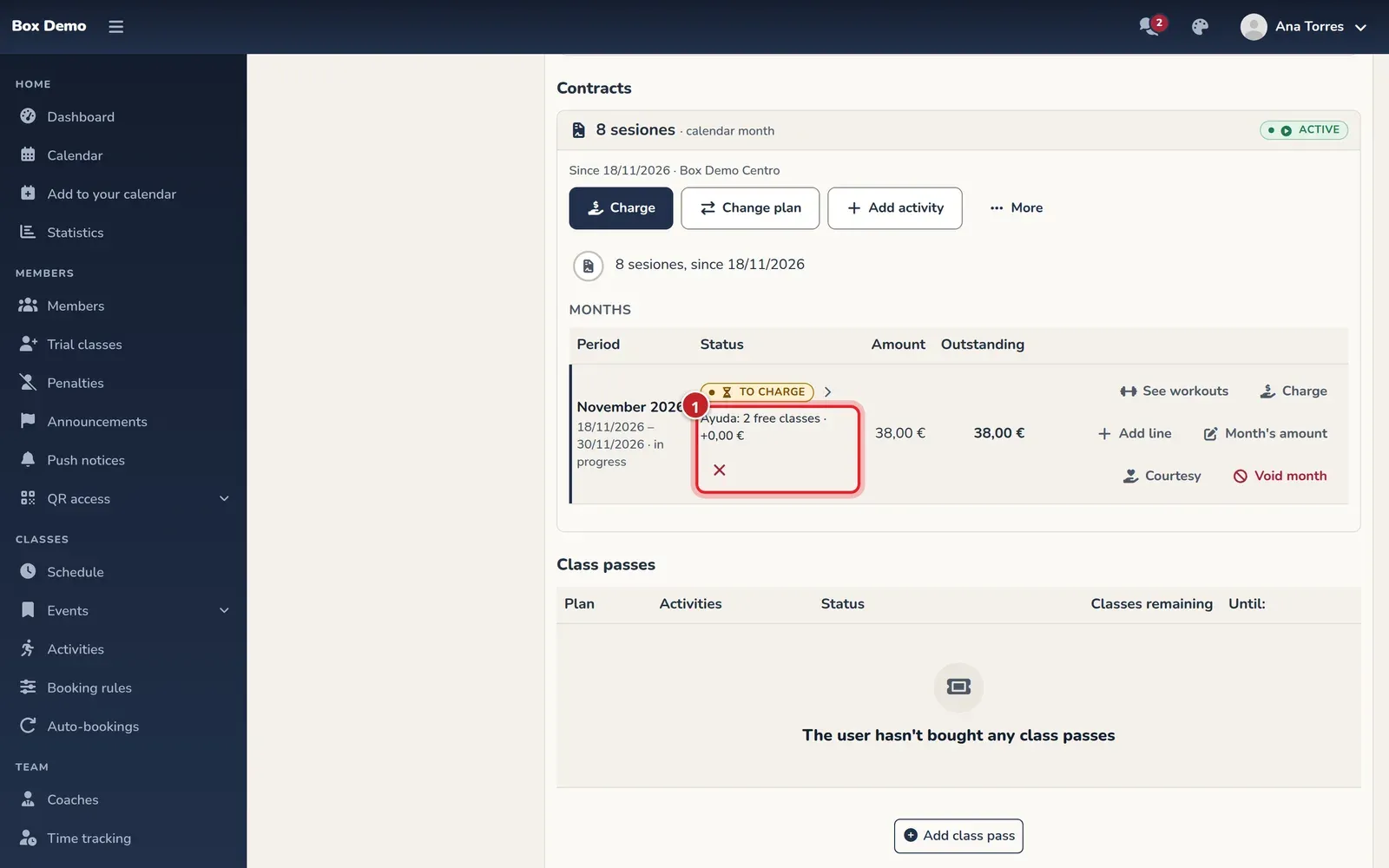
A zero-euro line with no classes isn’t saved. Classes are only added and are valid within the period’s dates. You can’t add them this way to a month that is canceled, paid outside the app or included in a block.
Transcript
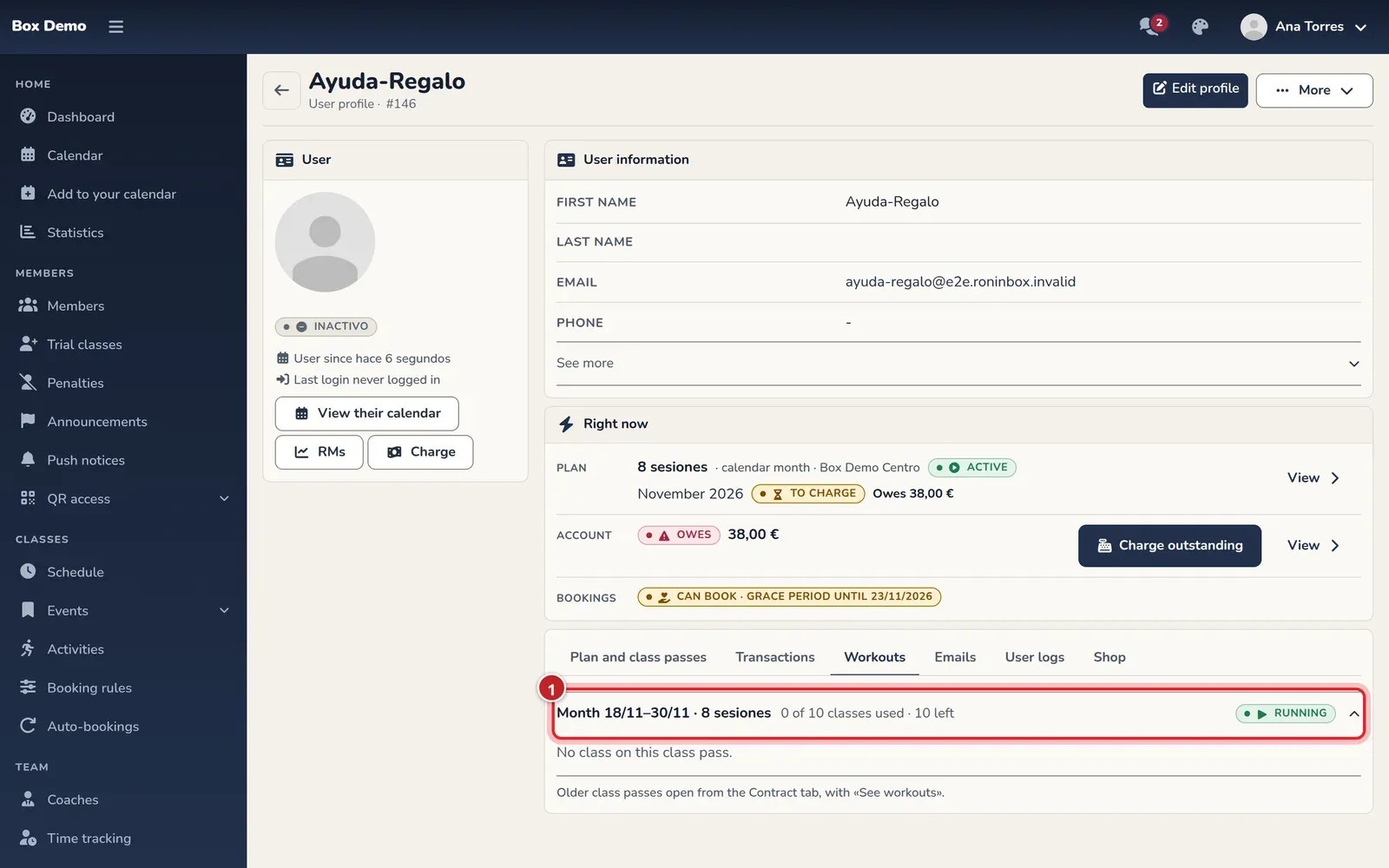
Ana adds a zero-euro line with two classes to Irene’s month. The price stays at €38 and the counter goes from eight to ten classes. After booking one, Workouts shows that Ana Torres gave it.
Give a specific class from the calendar
Section titled “Give a specific class from the calendar”Open the member’s calendar, choose the class and use Create extension and sign up when the app offers it. It creates a class valid for that session and signs them up in the same step; it doesn’t change their month or add a line to charge.
Transcript
Hugo has 8 sessions and his plan doesn’t include Kettlebell. Marta opens his calendar, uses Create extension and sign up and checks the booking. The month keeps its amount and the log identifies the manual class and who signed him up.
For an existing booking with no class to pay for it, go to Workouts and choose a valid class in Assign a class. Confirm with the button next to the selector.
Transcript
Ana finds a booking by Pablo with no class to pay for it. She adds a free class to the month, selects it and confirms the assignment. The issue disappears and the booking keeps the attribution to Ana Torres.
For someone coming to try it out
Section titled “For someone coming to try it out”If they don’t have a plan, you can give a Trial class from their profile and choose the session. The trial shows up on their Home. In Given by on the trial classes screen you can see who gave it and whether they ended up signing up for a plan. See Trial class.
Transcript
Damián finds Elba from Home and gives her a trial for a class tomorrow. Elba sees it on her Home and checks that only the box can change or cancel it. The coach then checks the attribution, the booking log and her workouts.
Where it shows who gave it
Section titled “Where it shows who gave it”In Workouts, the booking appears within the month or class pass whose dates it falls in. If it doesn’t match any, it goes under This month's classes with no class pass. Under the status it keeps the name of who gave it; with no stored author, it’s identified as Gifted class.
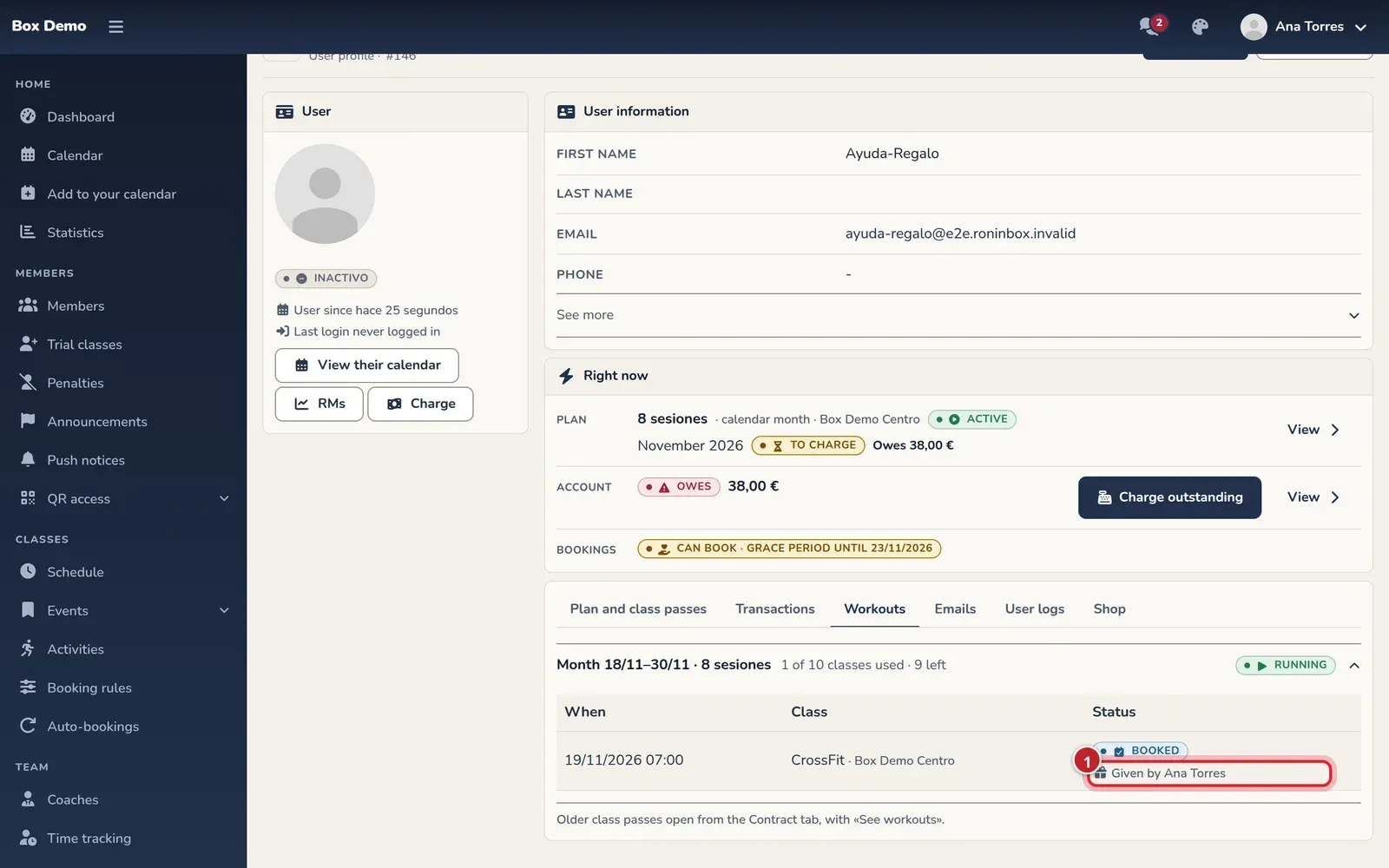
The booking also stays in User logs. There’s no general screen that gathers all gifts. The month’s line doesn’t show on its own who created it: write a useful description.
A line with an amount and classes is a charged extra and its classes carry the “added” attribution; not all manual classes are free. A discount or a waiver reduces money without giving classes.
Video: End-of-month sign-up: the plan starts on the 1st and you give some classes
Section titled “Video: End-of-month sign-up: the plan starts on the 1st and you give some classes”Transcript
Irene signs up at the end of the month
The box suggests starting on the 1st
Until the 1st she pays nothing
And you give her three classes for these days
The reason is saved with your name
Save
She doesn’t pay for November: her plan starts on December 1
December is now ready to charge: today or when the 1st arrives
Video: Mid-month sign-up with free classes until the 1st
Section titled “Video: Mid-month sign-up with free classes until the 1st”Transcript
Nora signs up today, at the end of the month.
When you select the plan, you choose how this month starts.
The plan starts on the 1st and until then she doesn’t pay.
And you give her 3 classes for these days.
Write down the reason: it’s saved with your name.
The contract history says what she was given, by whom and why.
November isn’t charged. December, at its price.
She can now book with her 3 free classes.
Each free class she uses says who gave it to her.