
How to create an activity in RoninBox
Published on · Updated on
To create an activity in RoninBox, all you need is its name. An activity is a discipline you offer at your gym, like CrossFit or Pilates. It’s the first thing you should create, because plans and the classes in the schedule are built on it.
How to create an activity
Section titled “How to create an activity”-
Open Classes and go to Activities.
-
Tap Create activities (marker 1).
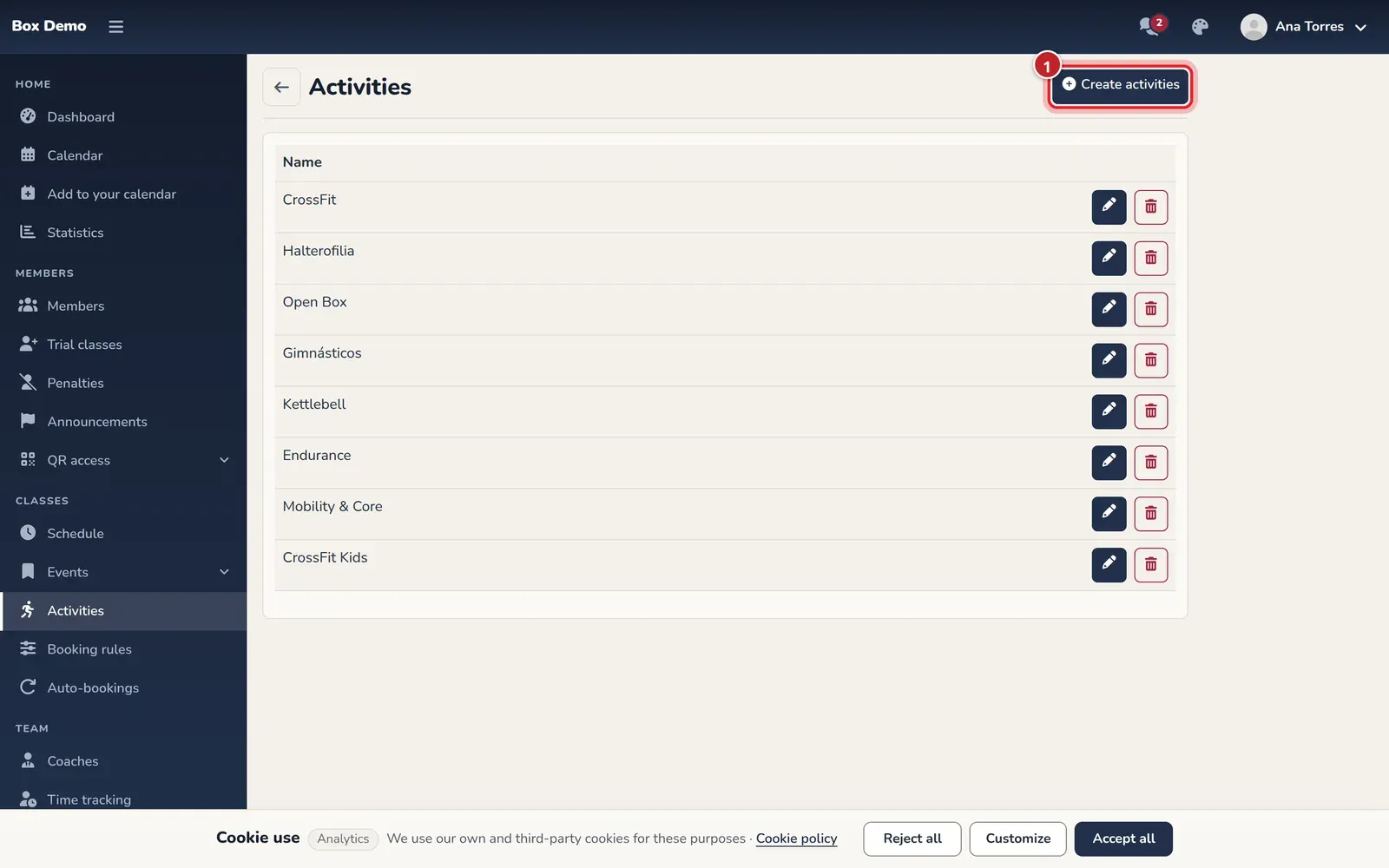
The gym's list of activities. -
Enter the Name of the activity, for example “CrossFit”.
-
Tap Save. You return to the list with the activity created.
Edit or delete an activity
Section titled “Edit or delete an activity”In the list, each activity has a pencil to edit its name and a trash can to delete it. When you delete one, the app asks you to confirm.
- If the activity has never had classes, it’s deleted completely.
- If it already has classes, it no longer appears in the list or in the forms, but those classes keep their history.
Where an activity is used
Section titled “Where an activity is used”- In plans: each plan covers one or more activities.
- In the schedule builder and in events: each class belongs to an activity.
Common mistakes
Section titled “Common mistakes”- I can’t find the activity when creating a plan. Create it here first, then go back to the plan form.
- I deleted an activity and my members can no longer see it. That’s expected: a deleted activity is no longer offered.