
Roles and permissions in RoninBox
Roles and permissions in RoninBox decide which screen each person sees and what they can change. The short rule: admins see the admin dashboard; everyone else, coaches included, sees the member screen.
Which screen each one sees
Section titled “Which screen each one sees”- Admin dashboard (side menu): admins and the owner.
- Member screen (button bar at the bottom): members, superusers and coaches.
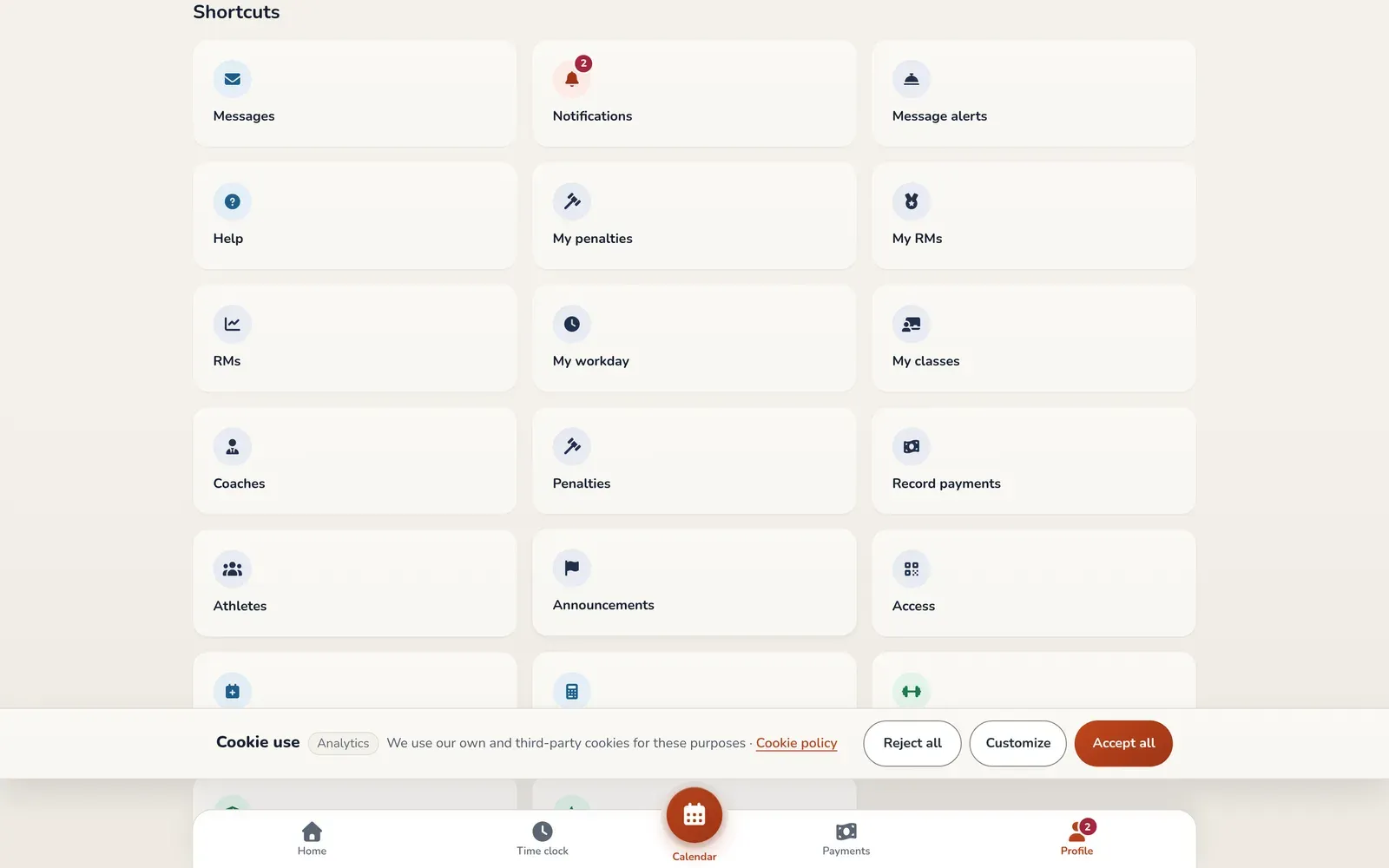
Coaches don’t have a side menu. Their extra tools appear in Profile, under Shortcuts.
What each role can do
Section titled “What each role can do”| Role | What they do |
|---|---|
| Member | Book and cancel classes, see their billing, messages and notifications, save their RMs and see the WODs. |
| Superuser | Everything a member can do, with no class limit and no monthly fee or payment needed. |
| Coach | Everything a member can do, plus: see their classes and who’s coming (My classes), check the team and the roster (Coaches), record payments, in cash or by card terminal (Record payments), open the details of a member’s monthly fees and delete payments and monthly fees (this is logged in their activity history), sign up members and give them their trial class, create WODs and movements, see members’ RMs and open the Booking rules. The weekly booking opening doesn’t apply to them. |
| Admin | The whole dashboard: members, classes, plans, payments, messages, announcements, coaches, statistics and settings. |
| Gym owner (in the app, super admin) | Everything an admin can do, plus changing other users’ roles and the Admin options. |
A coach can check the team and the roster, but only an admin can change them. The same goes for creating classes or setting prices: those are admin tasks. Coaches can sign up members from the member list, and manage their trial classes.
How to give someone a role
Section titled “How to give someone a role”The gym owner changes roles from the member’s profile (Members ▸ Members). They’ll see buttons like Make coach, Make admin or Make superuser and one to clear the roles. To add a new coach from scratch, see Coaches.
The owner role can’t be given from the dashboard.
Common mistakes
Section titled “Common mistakes”- A coach asks me to let them create classes. That’s an admin task. Only give them that role if they really need to change all the settings.
- I add a coach and they don’t see the admin dashboard. That’s expected: coaches use the member screen.