
Add an activity to a member's contract
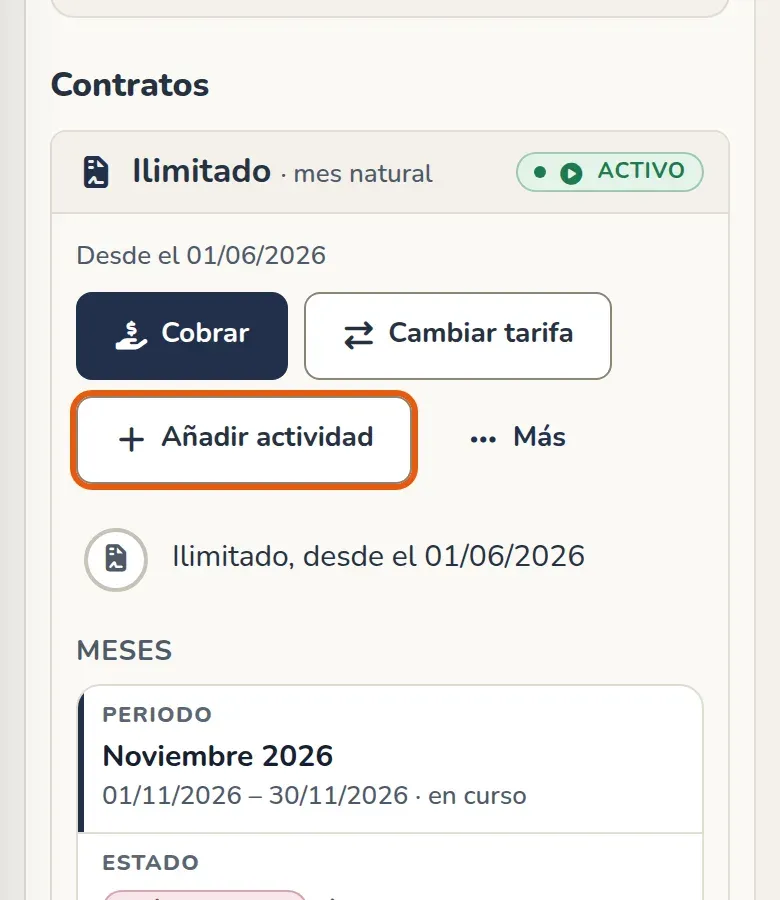
To add an activity to a member’s contract, you don’t need to change their plan or open a second contract. Open their profile, go to Plan and class passes and, on the contract card, tap Add activity.
Add the activity
Section titled “Add the activity”- Tap Add activity.
- In Plan, choose the activity’s plan, for example Boxing.
- In From, choose the first day. It defaults to today.
- If the member has discounts, check the ones that should also apply to this activity. If none are checked, the activity is charged in full.
- Review the cost below the form and confirm with Add.
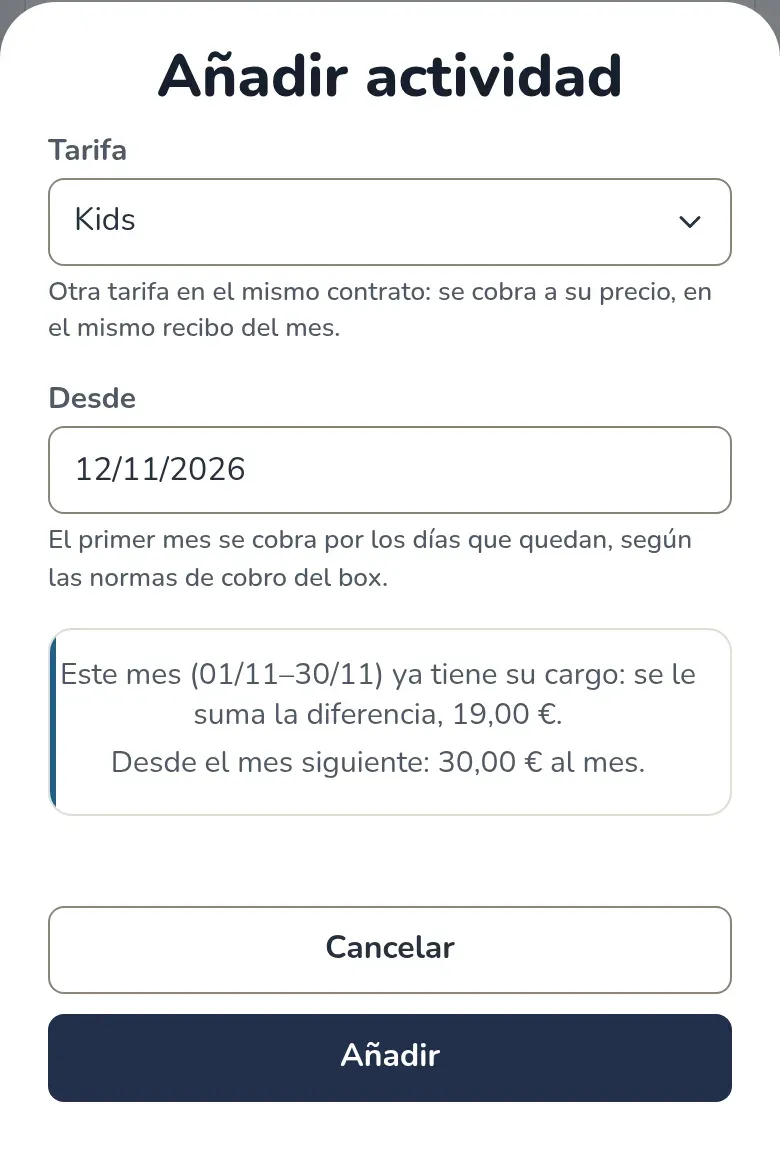
The first month is charged for the remaining days, according to the gym’s billing rules. If that month already had its charge, the difference is added to it; if it was already paid, the difference stays outstanding and you collect it like any other balance due. From the next month on, the monthly payment includes the plan and the add-on.
Classes come from the add-on’s plan and only count for its activities: unlimited Boxing doesn’t use up the 9 + 4 classes. If the add-on’s plan has a set number of classes per month, the first month gets the share that matches its days.
How it looks on the profile
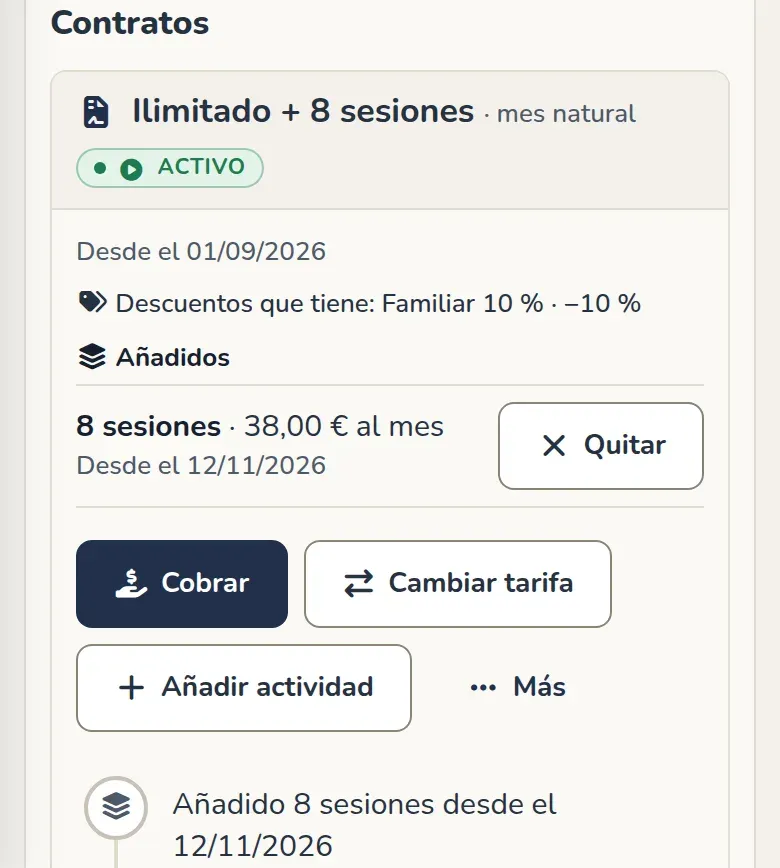
Section titled “How it looks on the profile”The contract is renamed to include everything it covers, for example “12 sessions + Kids”. The card shows the Add-ons list, with the price and start date, and the contract history records it.
Which items discounts apply to
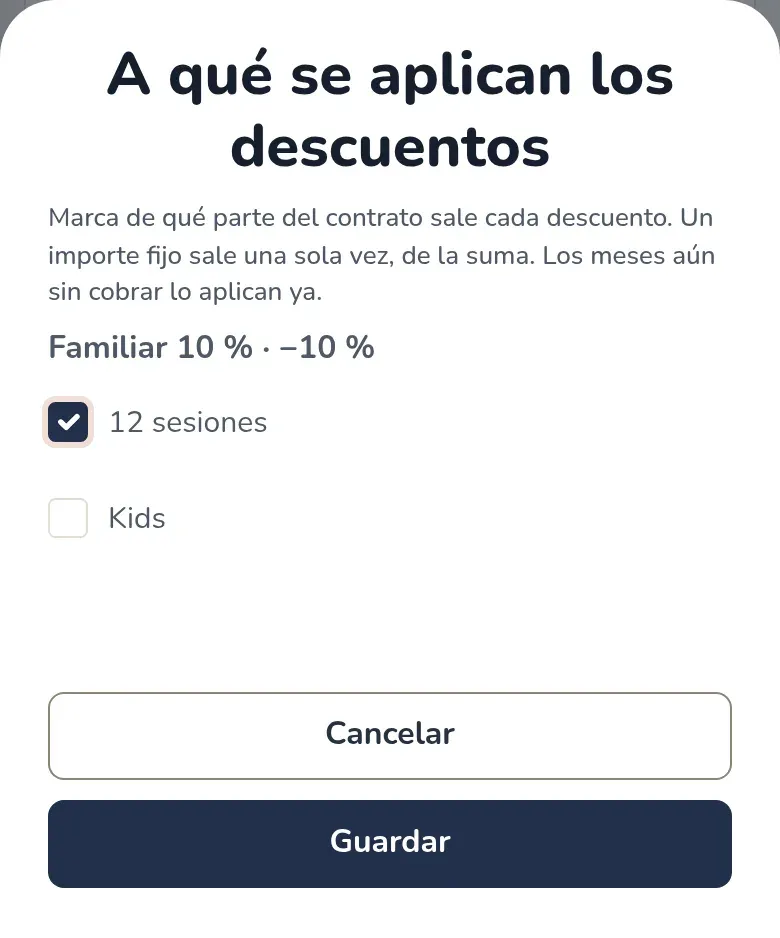
Section titled “Which items discounts apply to”In a contract with add-ons, each discount states what it comes off. Open More and choose What the discounts apply to. For each discount, check the contract’s plan, the add-on or both. A fixed discount is taken once, from the total of the checked items; a percentage is taken from that same total. Months not yet charged apply it right away.
Remove an activity
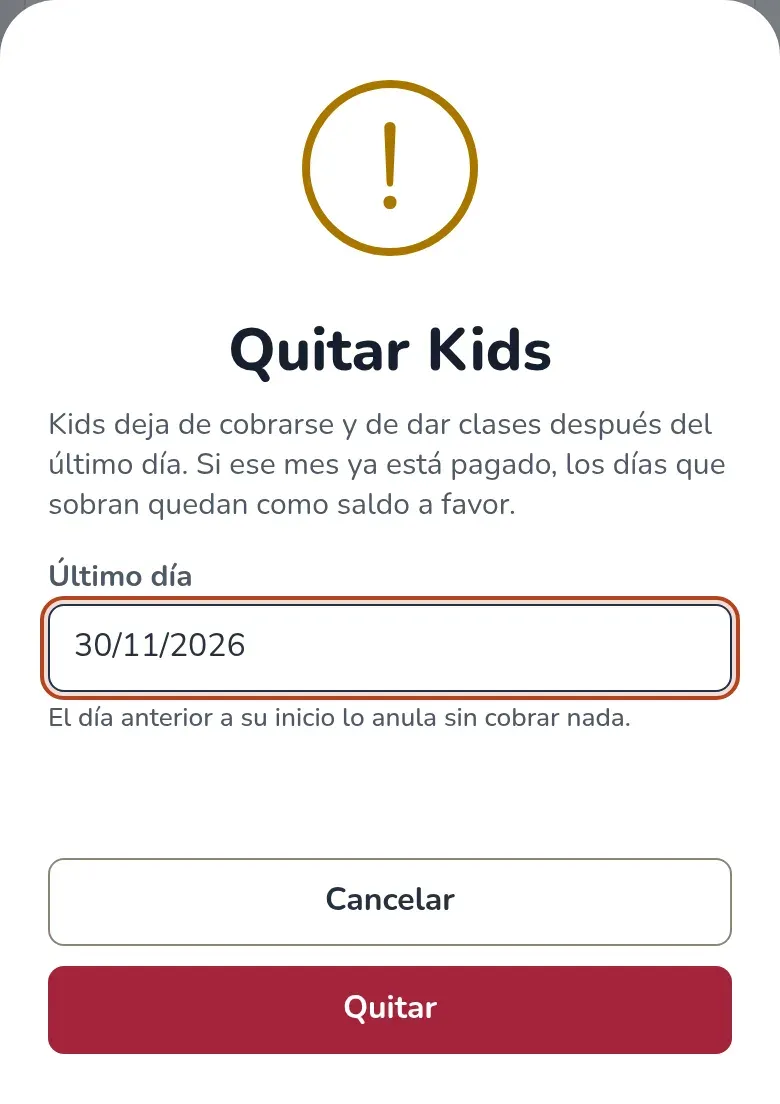
Section titled “Remove an activity”Tap Remove on the add-on’s row and choose its last day. It defaults to the end of the month. From the next day on, it’s no longer charged and no longer gives classes; if that month was already paid, the leftover days become credit. If you choose the day before it starts, it’s voided with no charge.
Months paid in advance or outside the app
Section titled “Months paid in advance or outside the app”A block paid upfront, or a month marked as paid outside the app, covers only the contract’s plan. In those months the add-on is charged separately, with its own charge, as soon as each month starts.
If they pay with a Stripe subscription
Section titled “If they pay with a Stripe subscription”If the member pays with a subscription, the remaining days of this month are charged at the gym or by link. From the next month on, the subscription charges the full amount. Older subscriptions, set up before the current billing system, don’t support add-ons: the window explains this.